
Was that damage already there?
Before you rent or use an asset, see the visual condition history other VesEvi users have shared for it.
Document what you receive.Compare when you return.Help inform the next person.
Four situations where condition is in question
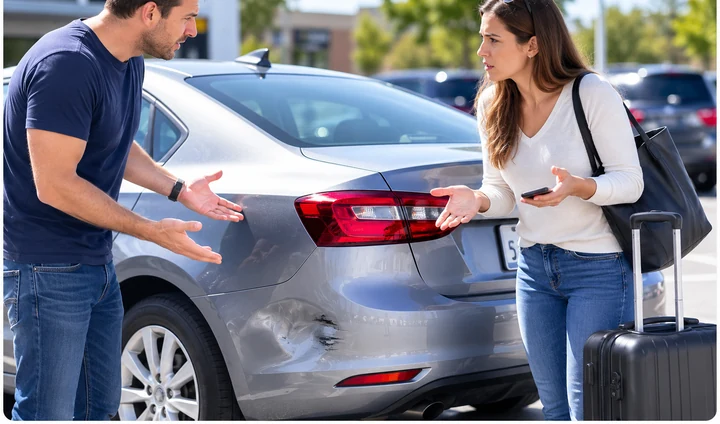
Rental car
Was this dent already here?
You notice the damage at drop-off. But nobody documented it at pickup.
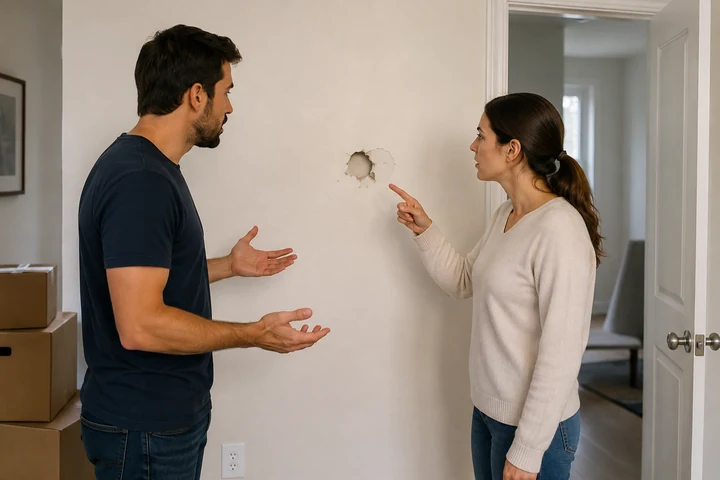
Apartment
Was this damage here before move-in?
Move-out day, and the mark on the wall is in question.
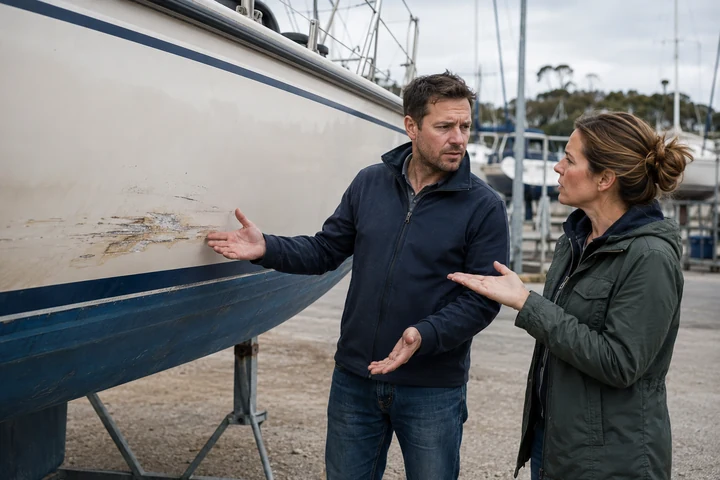
Boat
What was documented before you received it?
A mark on the hull that may or may not be new.
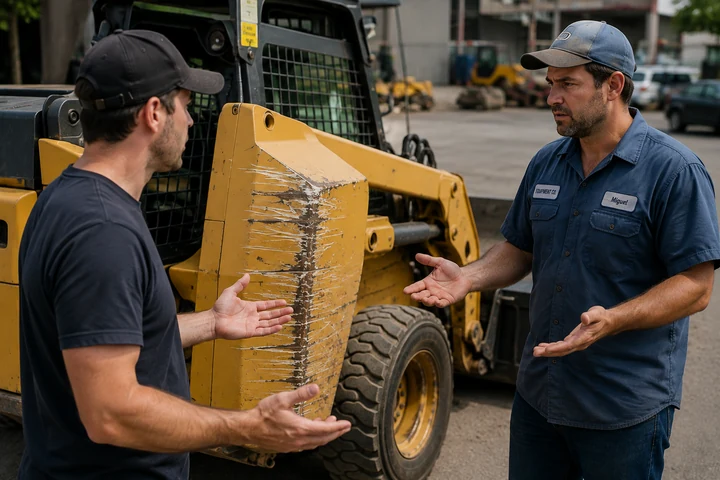
Equipment
What condition was it in before?
It comes back scratched. No record of how it went out.
Different assets. The same question: what was documented before you received it?
Photos capture a moment.
VesEvi™ builds a history.
A photo is useful — it records what you saw. It just tends to stay where it was taken, rather than becoming organised evidence attached to the asset.
A photo on your phone
- Captures what you saw
- Usually stays with you
- Can get buried, forgotten, or lost
- Doesn't build a shared history for the asset
A VesEvi™ inspection
- Organises evidence around the asset
- Preserves when it was documented
- Can be compared across different points in time
- Can be shared to help build the asset's VesEvi Worldwide History
That shared record is built from what people have chosen to share, so it is never complete, and earlier evidence describes the asset as it was documented then — not as it stands today.
Your evidence doesn't have to end with you.
Share your inspection with the VesEvi™ Community and help build useful documented history for the next renter, owner, or user.
One community.
Many kinds of assets.
VesEvi™ brings shared inspections for many kinds of physical assets into one community — from vehicles and apartments to vacation rentals, boats, equipment, and more.
What is VesEvi™ Worldwide History?
A growing, chronological history of inspections that VesEvi™ users have shared for the same physical asset.
Renters, owners, operators, and other users can contribute inspections over time.
VesEviWorldwide History
Shared inspections build an asset's documented history over time.
- 1
Inspect your asset
Document the condition when you receive it.
- 2
Create your record
It preserves what you documented at that point in time.
- 3
Share your inspection
Share it with the VesEvi Community.
- 4
Help the next person
It can help someone understand what was documented before them.
- 5
Build the asset's history
Inspections from different users build a growing chronology.
- 6
Benefit from others' evidence
See what other VesEvi users have already shared.
Document. Share. Help the next person. Benefit from what others documented before you.
Sharing is a choice
Only inspections shared with the VesEvi™ Community become part of VesEvi™ Worldwide History. Private inspections remain private. Inspecting an asset does not make the inspection public.
The history follows the asset — not any one renter, owner, or company
Shared evidence is organised around the physical asset rather than one person's account, which is what lets a chronology outlast a single rental. What stays private stays with its owner.
Search. Know. Capture. Compare. Contribute.
- 1
Search
Find the asset and see inspections other VesEvi users have shared.
- 2
Know
See what was documented before you received the asset.
- 3
Capture
Document the condition when you receive it.
- 4
Compare
Compare inspections from different points in time.
- 5
Contribute
Share your inspection with the VesEvi Community to help inform the next person.
From pickup to return,
keep the evidence connected.
Guided Inspection Workflow
Choose an inspection type and follow the same three-step guide every time.
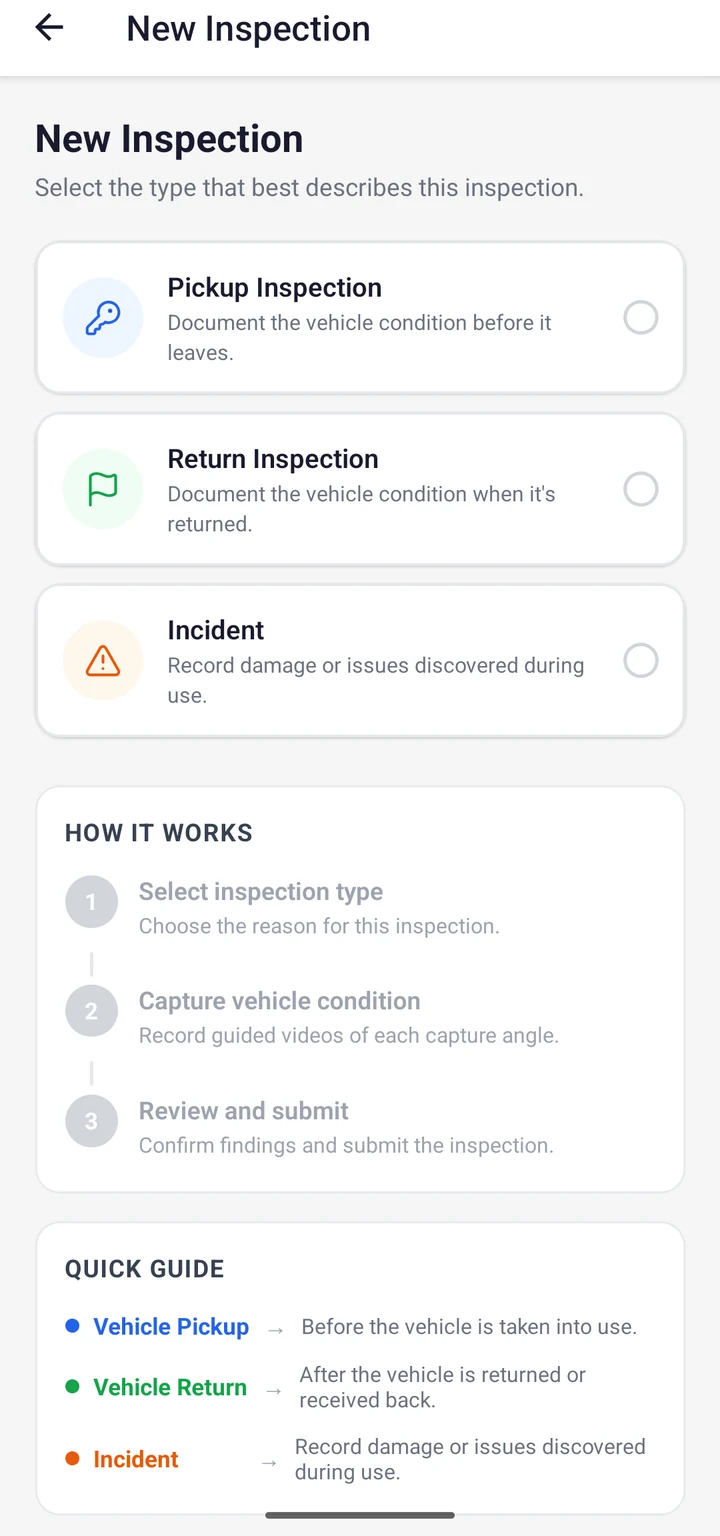
Capture — follow a guided inspection and document what you actually receive.
Before-and-After Comparison
Compare inspections to better understand what changed between two points in time.
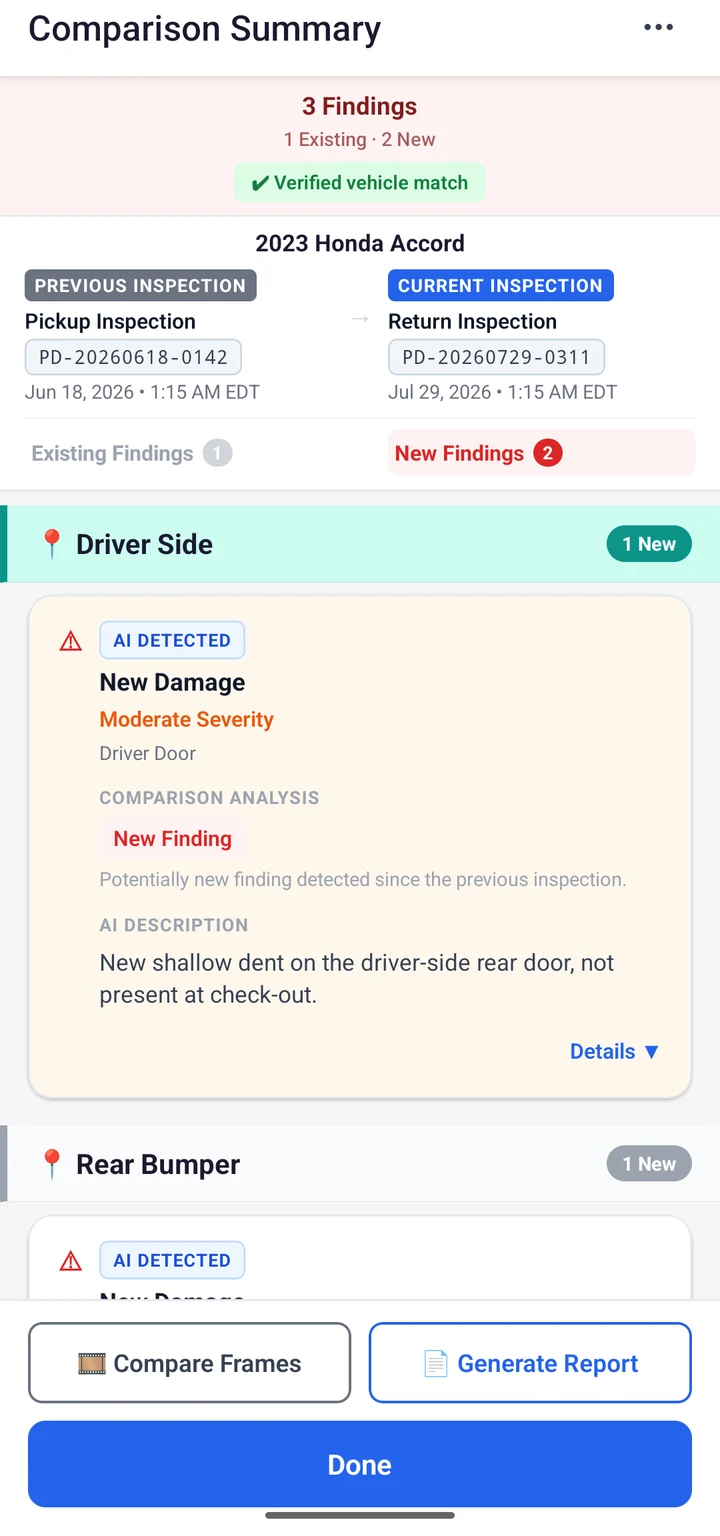
Compare — put visual evidence from different points in time side by side.
Worldwide History Detail
A shared record's public detail view: published condition images and reviewed findings.
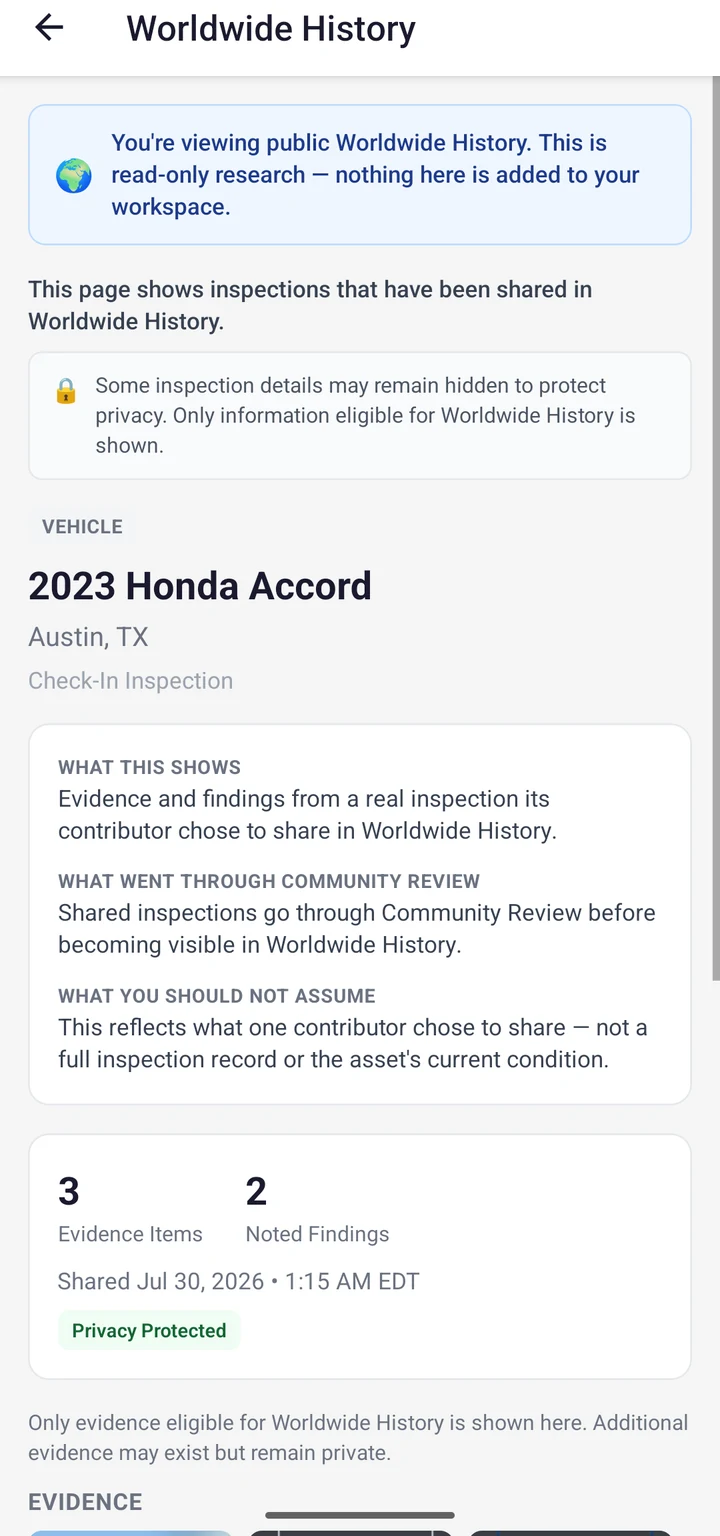
Contribute — share an eligible inspection so it becomes part of Worldwide History.
A history everyone can help make more complete.
Renters and customers
Document the condition you receive, and contribute evidence that may help the next person know what they are picking up.
Owners and operators
Document repairs, maintenance and the condition afterwards, so the history doesn't stop at the problem.
VesEvi™ records chronology — not blame.
A renter documents damage. The company documents the repair. A tenant documents a problem. The landlord documents the remediation. The value is in the order of events, contributed by the people who were actually there.
Put your assets on VesEvi™ before your customers arrive.
Give every asset a documented starting point.
Add your fleet or inventory and begin building each asset's visual history before the next customer receives it — condition, repairs, maintenance and changes over time. Customers can then contribute their own shared inspections to the same asset, so the record grows with the asset rather than restarting with each person.
- 1
Add the asset
A provider establishes the vehicle, property, or unit in VesEvi.
- 2
Document it first
The company records its starting condition before anyone receives it.
- 3
The customer arrives
They can see the inspections that have been shared for that asset.
- 4
The customer documents
They record the condition they received, in their own inspection.
- 5
The history continues
Returns, repairs and the next use all add to the same asset.
The customer doesn't have to be the person who starts the history.
A documented starting point
Every asset begins its life on VesEvi with a recorded condition instead of a blank page.
Clearer handoffs
Both sides can look at the same documented evidence when an asset changes hands.
Repairs on the record
Maintenance and remediation are documented too, so the history does not stop at a problem.
Adding an asset doesn't publish anything. A company inspection becomes part of VesEvi™ Worldwide History only if it is shared with the VesEvi™Community — the same as anyone else's.
Each participant keeps control of their own inspection. A customer's record is theirs, and nobody's evidence replaces anyone else's.
From rental vehicles and properties to boats and equipment — any business holding assets that change hands can start the record.
Not just rental cars.
Any asset whose condition matters.
- Rental cars
- Apartments
- Vacation rentals
- Vehicles
- Boats
- Equipment
- Commercial assets
- Industrial assets
Know the condition before you rent.Document it while it's yours.Leave better evidence for whoever comes next.
Evidence first. AI assists. You decide.
Guided capture
A walkthrough that prompts for each area, so the record is consistent rather than whatever someone remembered to photograph.
Timestamped chronology
Evidence is tied to when it was captured, so a history reads in order.
Tied to the asset
Evidence is associated with the physical asset, which is what makes a history possible at all.
People confirm findings
AI can suggest what it sees in an inspection. A person reviews and confirms what the report says.
Private by default
An inspection stays private unless its owner chooses to share it.
Report verification
A recipient can check whether a VesEvi PDF matches the document VesEvi issued.
Works offline
Capture in a parking garage or a marina, and let it sync when there is signal.
Before you rent it,
see what came before.
Search the available Worldwide History for documented visual evidence about the asset you're about to use.
VesEvi™
Capture. Compare. Resolve.